
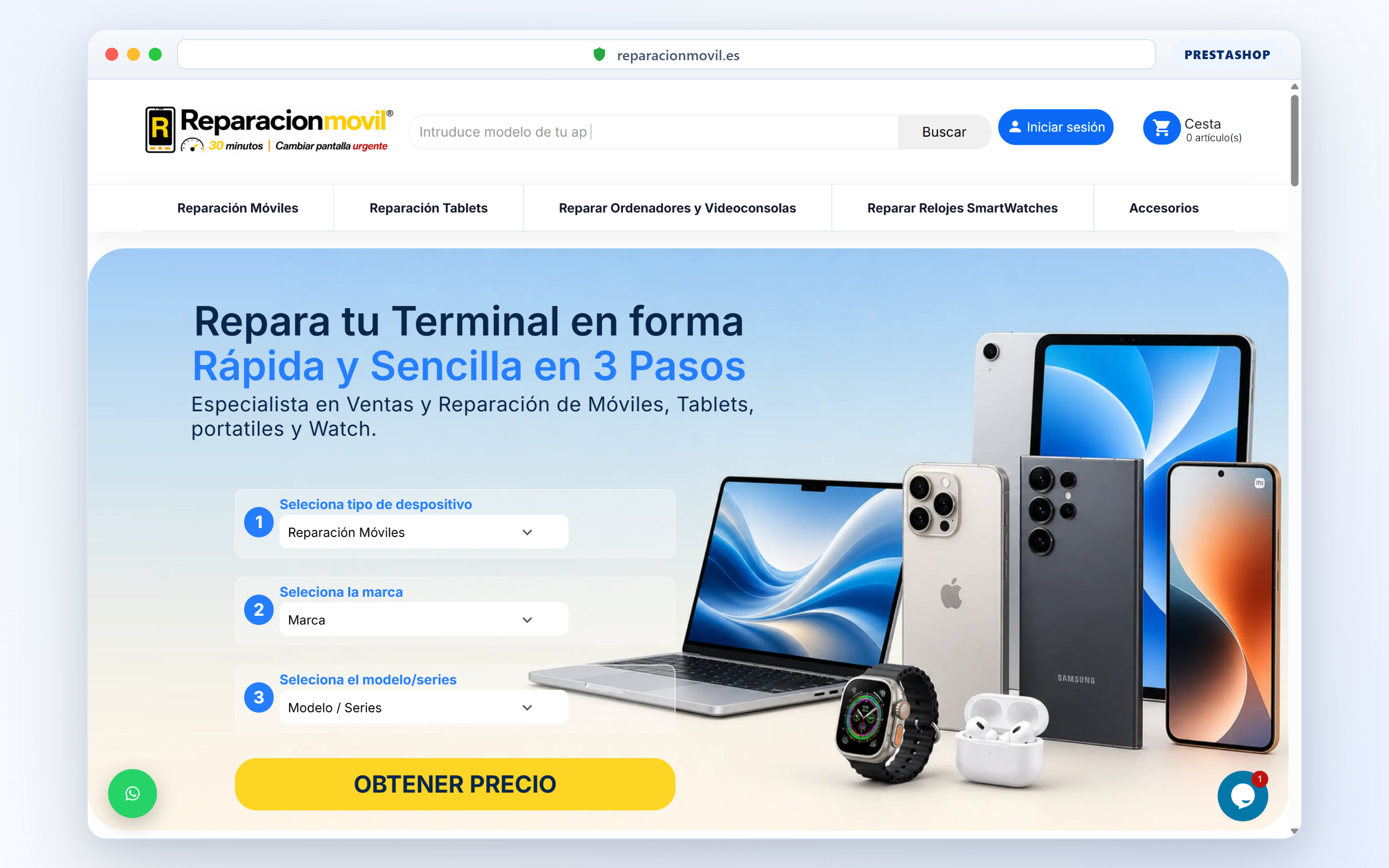
Live case: reparacionmovil.es on PrestaShop 9. The storefront returned HTTP 500. Visitors saw a generic error. Sales stop immediately. Guessing “cache” or “reinstall the theme” wastes the hour you still have.
How I actually debug it
Enable or read the PrestaShop / PHP error log on the host. Identify the file and module in the stack. Disable the last change (module, override, PHP bump) on staging or with a controlled rollback. Confirm the front loads. Then decide whether the module gets a patch or a replacement.
A 500 after a PrestaShop 9 module update is often an incompatible hook or a missing service. The log names it. The storefront will not.